Understanding Tech Neck and Its Impact on Posture
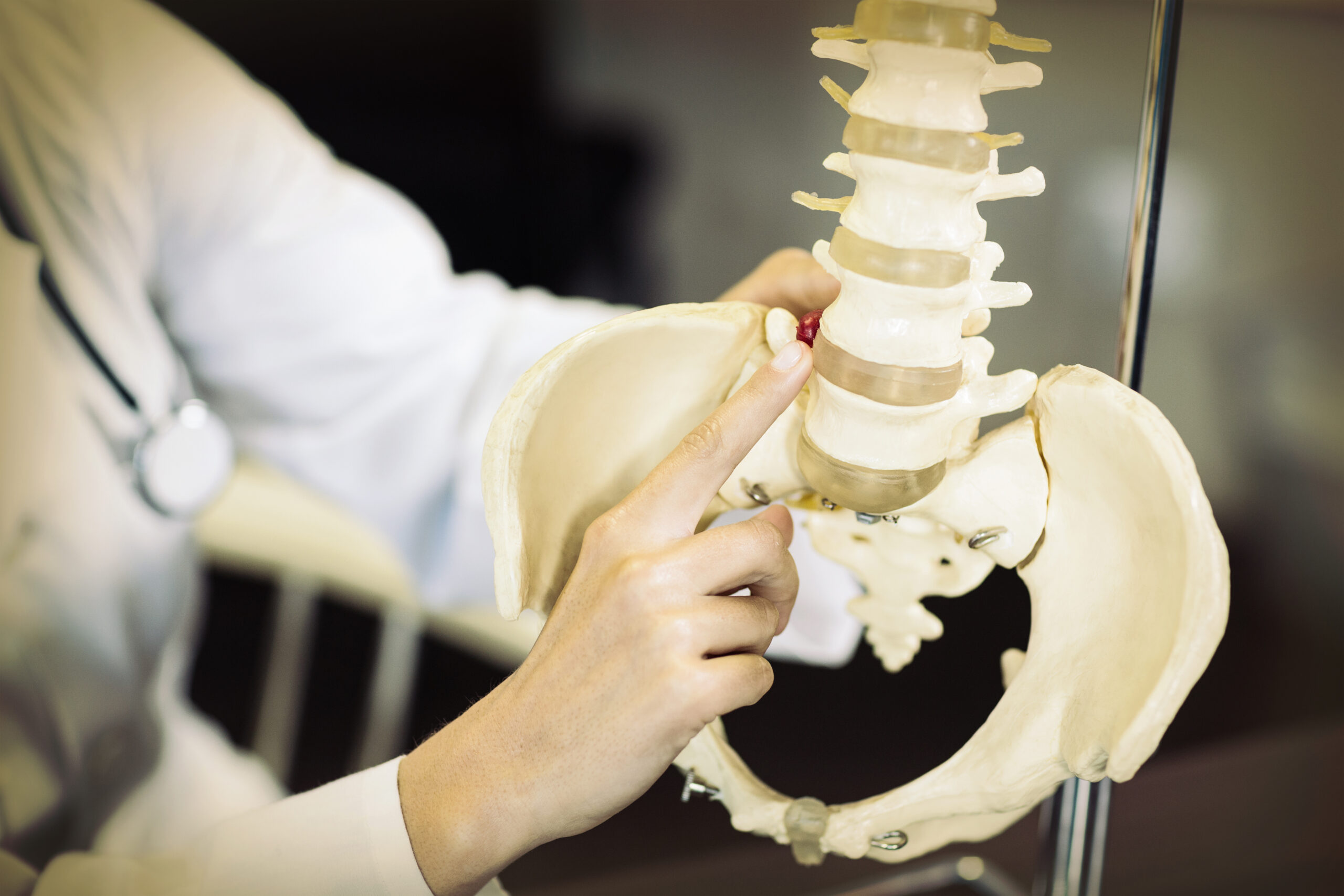
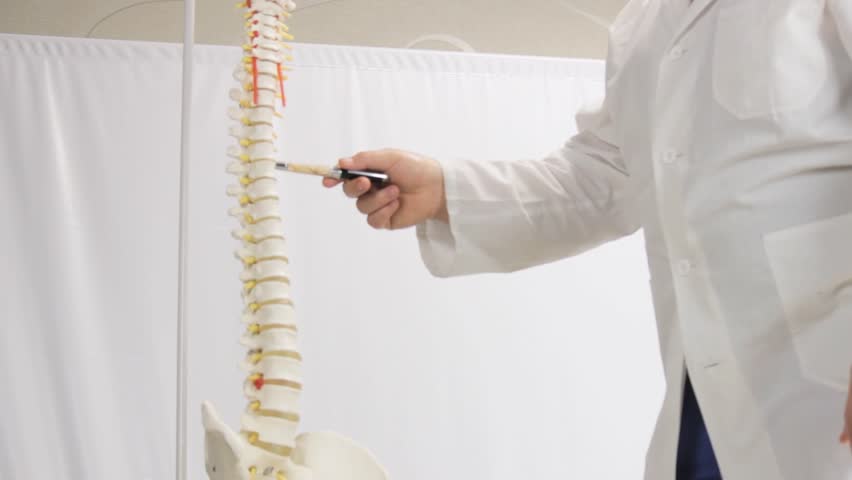
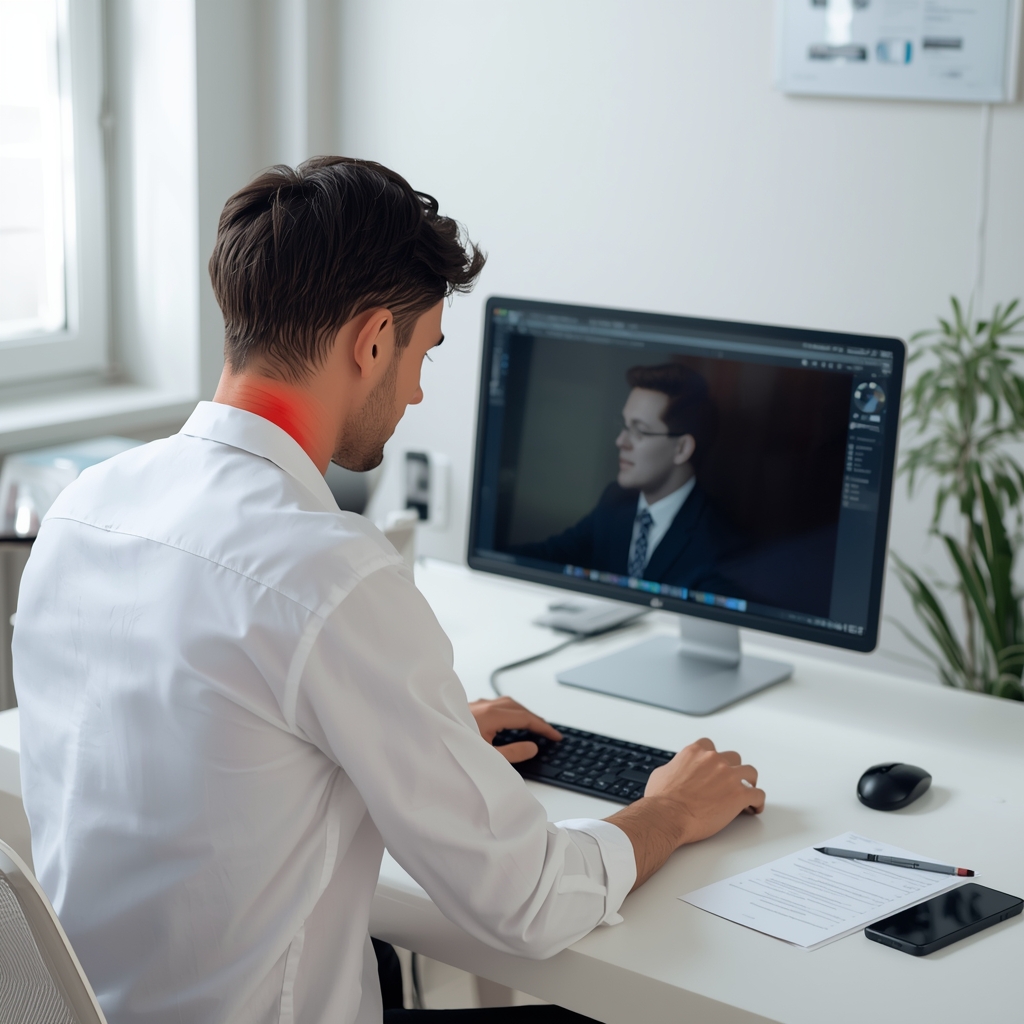
Tech neck, a modern posture-related condition, occurs when prolonged use of electronic devices causes the head to tilt forward, straining the cervical spine. This forward head posture increases pressure on the neck and upper back, leading to discomfort, muscle fatigue, and long-term musculoskeletal issues. Virtual meetings exacerbate this problem, as users often hunch over laptops or tablets, worsening spinal alignment. Recognizing the connection between screen use and posture is the first step in mitigating tech neck. Ergonomic adjustments can help restore natural spinal curves and reduce strain. By addressing workspace setup and habits, individuals can minimize the risk of chronic pain and improve overall comfort during remote work. These changes are not just about convenience—they are essential for maintaining long-term musculoskeletal health. A proactive approach to posture during virtual meetings can prevent recurring discomfort and support overall well-being.
Optimizing Monitor Position for Neutral Spine Alignment
One of the most critical ergonomic adjustments for reducing tech neck is positioning the monitor at eye level. When screens are too low, the head tilts forward, forcing the neck to bear excessive weight. This strain can be alleviated by raising the monitor so that the top of the screen aligns with the user’s eyes. Using a monitor stand, laptop riser, or adjusting the chair height can achieve this. Proper alignment keeps the spine in a neutral position, reducing pressure on the cervical vertebrae. Additionally, ensuring the screen is an arm’s length away prevents leaning forward, which further contributes to poor posture. For those using multiple monitors, arranging them to avoid twisting the neck is essential. These adjustments help maintain a relaxed, upright posture during virtual meetings. By prioritizing visual comfort and spinal alignment, individuals can significantly reduce the risk of tech neck and related discomfort.
Adjusting Keyboard and Chair for Ergonomic Support
Proper keyboard and chair setup plays a vital role in preventing tech neck. The keyboard should be positioned so that the elbows are at a 90-degree angle, allowing the wrists to remain straight and level with the forearms. This reduces strain on the hands, wrists, and shoulders, which can indirectly affect neck posture. A supportive chair with adjustable lumbar support helps maintain the natural curve of the lower back, promoting an upright sitting position. Seat height should be set so that feet rest flat on the floor, with knees at or slightly below hip level. A chair with armrests can also help keep the shoulders relaxed and prevent hunching. For those using a laptop, an external keyboard and mouse can elevate the screen to eye level while keeping hands in a neutral position. These adjustments create a balanced, comfortable workspace that minimizes the risk of posture-related strain. Combining ergonomic furniture with mindful sitting habits is key to long-term relief.
Posture Tips for Prolonged Virtual Meetings
Maintaining good posture during virtual meetings requires conscious effort and ergonomic support. Sit with the back straight, shoulders relaxed, and feet flat on the floor, avoiding slouching or crossing legs. A chair with a high backrest can provide additional support for the upper back and neck. If using a laptop, consider a docking station or external monitor to keep the screen at eye level, preventing the head from tilting forward. Taking short breaks to stand, stretch, or walk around can also counteract the static posture of sitting for extended periods. Engaging in simple neck and shoulder stretches during breaks helps relieve tension and improve circulation. Additionally, using a headset instead of holding a phone or tablet reduces the need to tilt the head. These strategies, combined with ergonomic adjustments, create a sustainable approach to maintaining posture during virtual work. Consistency in applying these habits is crucial for long-term comfort and spinal health.
Incorporating Movement and Breaks into Virtual Work
Regular movement is essential for preventing tech neck and reducing the strain of prolonged sitting. The 20-20-20 rule—taking a break every 20 minutes to look at something 20 feet away—helps reduce eye strain and encourages posture resets. Additionally, incorporating short stretches or walking breaks every hour can alleviate muscle stiffness and improve blood flow. Simple exercises like neck rolls, shoulder shrugs, and seated twists can relieve tension in the upper back and neck. Using a standing desk or alternating between sitting and standing throughout the day also promotes better posture and reduces spinal compression. Even small movements, such as shifting weight or adjusting seating position, contribute to overall comfort. By making movement a regular part of virtual meetings, individuals can counteract the sedentary nature of remote work. These habits, when practiced consistently, support long-term musculoskeletal health and reduce the risk of tech neck.
Creating an Ergonomic Workspace for Remote Work
Designing an ergonomic workspace involves evaluating and adjusting multiple elements to support proper posture. Start by ensuring the chair, desk, and monitor are all positioned to promote a neutral spine. The desk height should allow the elbows to rest at a 90-degree angle when typing, while the chair provides adequate lumbar support. Lighting is another critical factor—adequate, even lighting reduces eye strain and the tendency to lean forward. Minimizing glare on screens with proper placement or anti-glare filters also helps maintain good posture. Additionally, organizing the workspace to keep frequently used items within easy reach reduces unnecessary movement and slouching. A clutter-free environment encourages mindful posture and reduces distractions that may lead to poor habits. By thoughtfully arranging the workspace, individuals can create a supportive environment that prioritizes comfort and spinal health. These adjustments, when combined with regular movement, form a comprehensive approach to preventing tech neck during virtual meetings.