Ergonomic Setup for Monitor Positioning
Remote workers using multiple devices should prioritize monitor positioning to reduce tech neck strain. The top of the screen should align with or slightly below eye level, preventing excessive forward head posture. This minimizes pressure on the cervical spine. Adjust the distance so the screen is an arm’s length away to avoid squinting or leaning forward. Using a monitor stand or adjustable mount can help achieve optimal height. If working with laptops, consider an external monitor to maintain proper ergonomics. Proper placement reduces the risk of chronic neck pain and promotes a neutral spine alignment during extended work sessions.
Keyboard and Mouse Ergonomics
Proper keyboard and mouse setup supports wrist and shoulder health, indirectly preventing tech neck. Keep wrists straight and relaxed, avoiding excessive bending or lifting. A vertical mouse or ergonomic keyboard can reduce strain on the forearm and shoulder muscles. Position the keyboard and mouse close to the body to prevent reaching, which can cause slouching. Ensure elbows are at a 90-degree angle and supported by armrests. These adjustments help maintain an upright posture, reducing the likelihood of compensatory neck movements. Consistent attention to input device placement fosters a healthier work environment for remote employees.
Maintaining Proper Posture
Upright posture is critical for preventing tech neck. Sit with the back straight, shoulders relaxed, and feet flat on the floor. Avoid slouching or hunching over devices, as this shifts weight onto the neck and upper back. Use a chair with lumbar support to maintain the spine’s natural curve. If standing, alternate between sitting and standing to reduce static load on the neck. Engage core muscles to distribute weight evenly and prevent slouching. Regularly check posture throughout the day, as habits like tilting the head forward can accumulate over time. Mindful posture adjustments help mitigate long-term strain on the cervical spine.
Incorporating Regular Movement
Static postures exacerbate tech neck, making movement essential. Follow the 20-20-20 rule: every 20 minutes, look 20 feet away for 20 seconds to reduce eye strain and encourage neck movement. Take short breaks to walk, stretch, or perform gentle neck rolls. Dynamic movements like shoulder shrugs or chin tucks alleviate muscle tension. Staying active improves circulation and reduces stiffness. Even minor adjustments, such as shifting weight in the chair or standing during calls, prevent prolonged strain. Consistent movement breaks help maintain spinal flexibility and reduce the risk of chronic discomfort from device use.
Supportive Furniture and Equipment
Investing in ergonomic furniture enhances comfort and prevents tech neck. Choose a chair with adjustable height, lumbar support, and armrests to promote proper alignment. A standing desk or convertible workstations allow switching between sitting and standing. Use a headset or speakerphone to avoid cradling phones between the shoulder and ear. Ergonomic cushions or footrests can improve posture if standard furniture doesn’t fit. These adjustments create a workspace that supports the body’s natural curves. Quality equipment reduces the physical toll of remote work and reinforces healthy habits over time.
Consulting a Chiropractor for Personalized Guidance
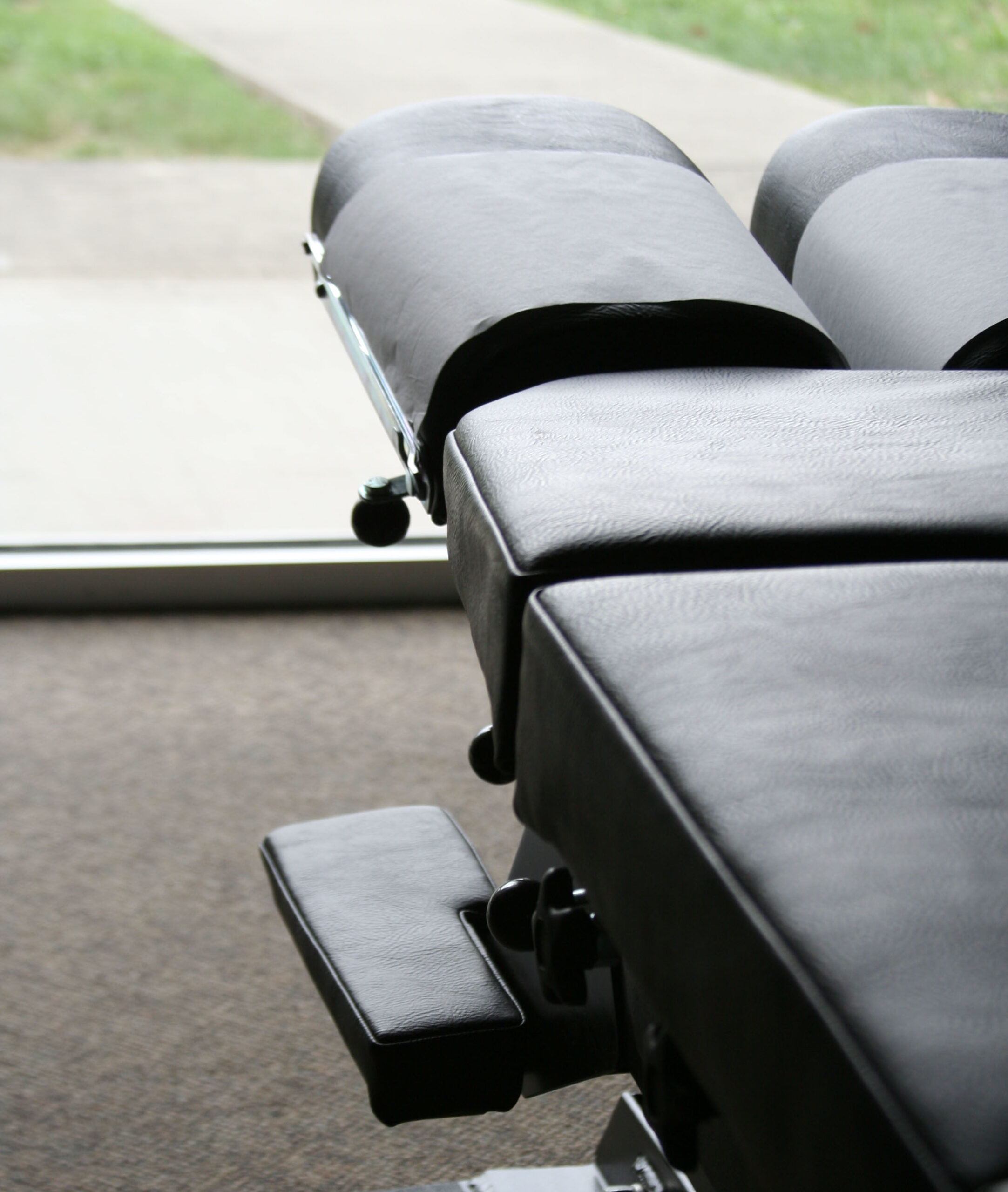
While ergonomic strategies are foundational, individual needs vary. A chiropractor can assess posture, identify compensatory patterns, and recommend tailored solutions. They may suggest specific exercises, adjustments, or equipment based on your work habits. Regular checkups help monitor progress and address emerging issues before they worsen. Chiropractors also educate on injury prevention and holistic wellness practices. By combining ergonomic adjustments with professional care, remote workers can minimize tech neck risks. Always consult a licensed chiropractor for personalized advice rather than self-diagnosing or treating symptoms.