Understanding Tech Neck and Repetitive Strain in Gamers
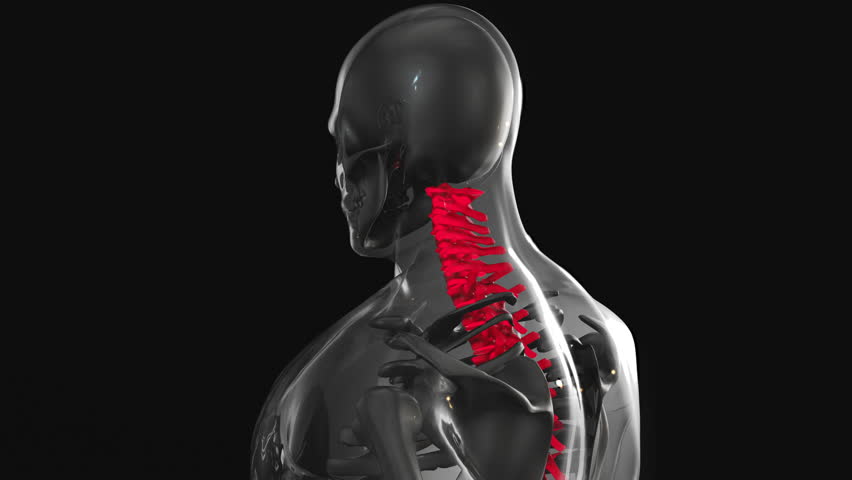
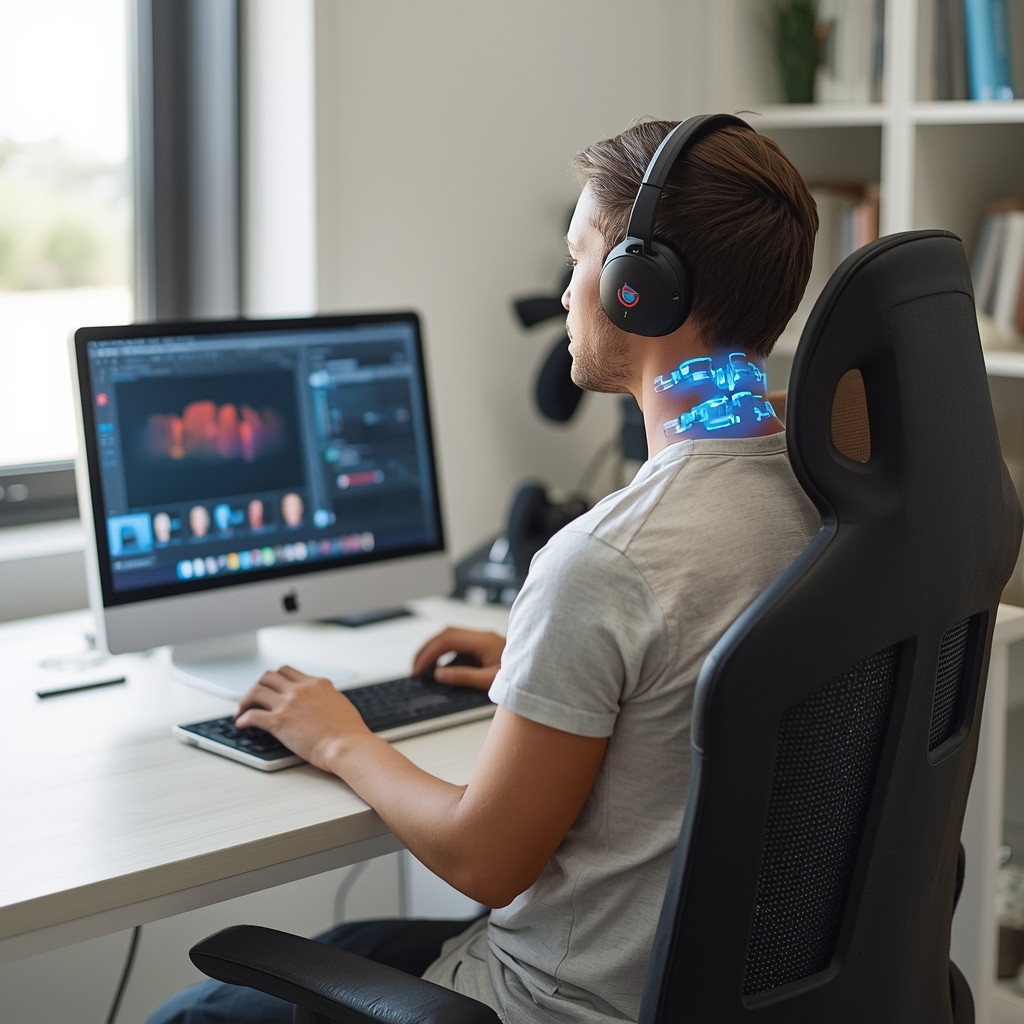
Modern gaming often involves prolonged sitting, intense focus, and repetitive motions, which can lead to tech neck and repetitive strain injuries. Tech neck, characterized by forward head posture and neck pain, occurs when gamers hunch over screens or controllers for extended periods. Repetitive strain, such as carpal tunnel or wrist discomfort, arises from constant keyboard and mouse use. These issues stem from poor ergonomics, lack of movement, and improper posture. Chiropractors emphasize that addressing these factors early can prevent chronic pain. Gamers may not realize the cumulative impact of their habits, making education on ergonomic adjustments critical. By understanding how their setup affects their body, gamers can take proactive steps to reduce strain and maintain long-term musculoskeletal health.
Optimizing Chair and Desk Setup for Gaming
A proper chair and desk setup is foundational to preventing tech neck and repetitive strain. Gamers should choose an adjustable chair with lumbar support to maintain the spine’s natural curve. The seat height should allow feet to rest flat on the floor, with knees at 90-degree angles. Desks should be at elbow height when seated, so wrists remain neutral while typing or using a mouse. Avoid slouching or leaning forward, as this strains the neck and upper back. Some gamers use standing desks or sit-stand setups to alternate positions. Chiropractors often recommend ergonomic chairs with adjustable armrests and breathable fabric to reduce pressure points. By prioritizing a supportive workspace, gamers can minimize the risk of posture-related issues and improve overall comfort during long sessions.
Adjusting Monitor and Screen Position
Monitor placement plays a key role in preventing tech neck. The top of the screen should align with the gamer’s eye level to avoid tilting the head up or down. This reduces strain on the cervical spine and prevents forward head posture. If using multiple monitors, position them at eye level and slightly angled inward to maintain a neutral neck position. A desk mount or adjustable stand can help achieve the correct height. Gamers should also ensure adequate lighting to reduce squinting, which can contribute to neck and shoulder tension. By prioritizing screen ergonomics, gamers can maintain better posture and reduce the risk of chronic neck pain. Chiropractors often advise regular posture checks to ensure adjustments remain effective over time.
Ergonomic Keyboard and Mouse Use
Keyboard and mouse ergonomics are vital for preventing repetitive strain injuries. Gamers should use split or curved keyboards to keep wrists in a neutral position, reducing pressure on the median nerve. Trackballs or vertical mice can also minimize wrist twisting and strain. The keyboard should be positioned so elbows are close to the body, and wrists remain straight. Wrist rests may help, but they should not compress the wrist. Gamers should avoid resting their forearms on hard edges, which can restrict blood flow. Regularly adjusting hand positions and taking breaks during extended sessions can further reduce strain. Chiropractors often recommend ergonomic accessories tailored to individual needs, emphasizing that proper tool use is essential for long-term comfort and injury prevention.
Incorporating Movement and Breaks
Continuous gaming without movement exacerbates tech neck and repetitive strain. Gamers should follow the 20-20-20 rule: every 20 minutes, look 20 feet away for 20 seconds to reduce eye strain and encourage neck movement. Short breaks for stretching or walking help relieve muscle tension and improve circulation. Simple exercises, like neck rolls or shoulder shrugs, can counteract static postures. Gamers should also avoid crossing legs or sitting in one position for too long. Chiropractors often suggest setting reminders to move, especially during marathon sessions. By integrating regular movement, gamers can reduce the risk of chronic pain and maintain better posture throughout their gaming sessions.
Consulting a Chiropractor for Personalized Guidance
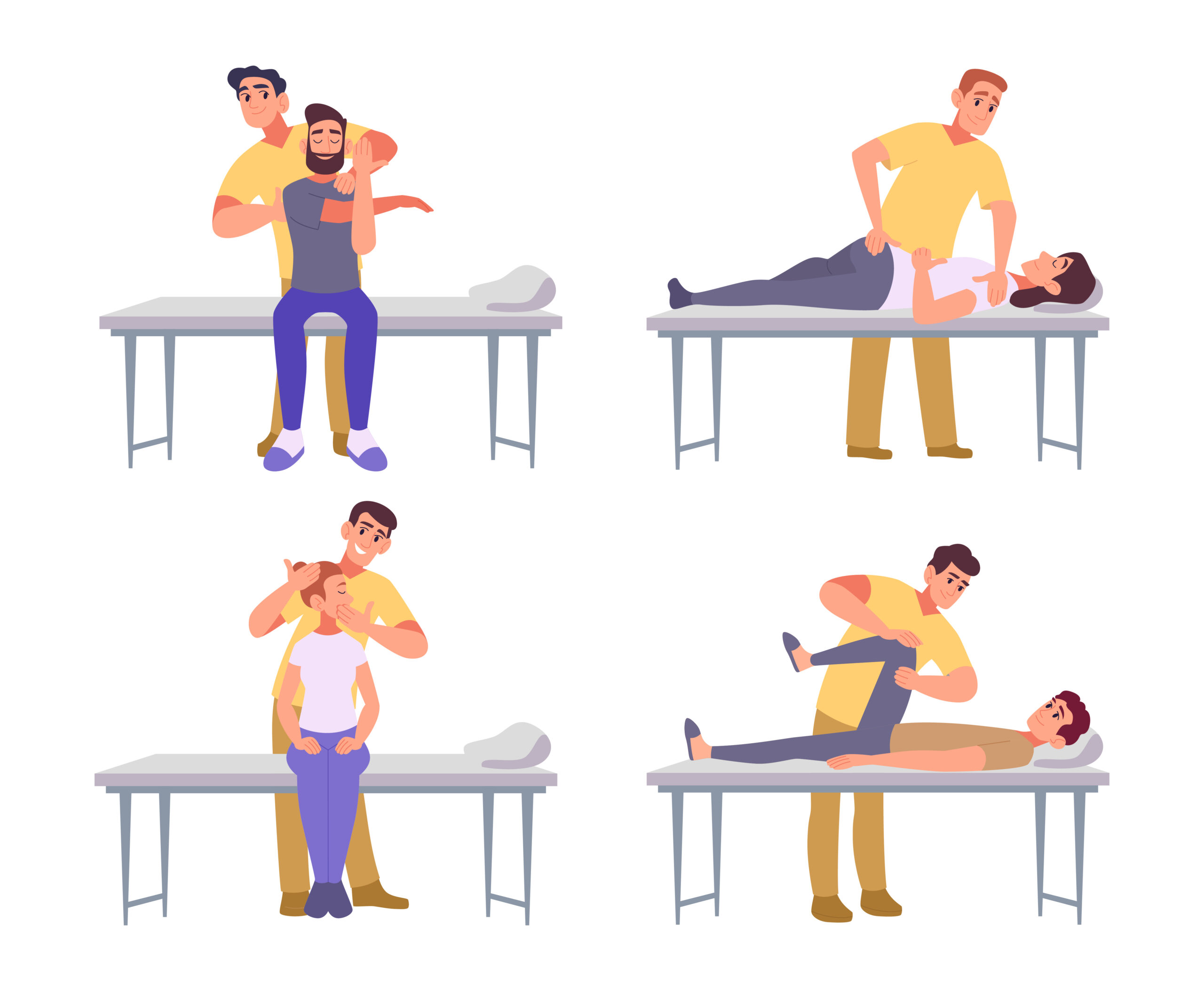
While general ergonomic adjustments help, individual needs vary. Chiropractors can assess a gamer’s posture, movement patterns, and existing strain to provide tailored recommendations. They may suggest specific exercises, adjustments, or ergonomic tools to address unique challenges. For example, a chiropractor might identify imbalances in muscle strength or joint mobility that contribute to tech neck. They can also guide gamers on proper lifting techniques or stretching routines. Regular check-ups allow for ongoing support as gaming habits evolve. By working with a chiropractor, gamers can proactively manage their musculoskeletal health and prevent long-term issues. Always consult a qualified provider to determine the best approach for your situation.