Proper Chair and Desk Setup
Adjusting your chair and desk is foundational to preventing repetitive strain injuries. A chair with adjustable height, lumbar support, and armrests helps maintain neutral spine alignment. Ensure your feet rest flat on the floor or a footrest, with knees at 90-degree angles. The desk height should allow elbows to bend naturally at 90 degrees when typing. Avoid slouching or leaning forward, as poor posture strains the neck, shoulders, and back. Consider ergonomic chairs with breathable mesh or adjustable seat depths to reduce pressure on the lower back. Regularly assess your setup to ensure it accommodates your body size and work habits. Small adjustments, like positioning the monitor at eye level, can significantly reduce musculoskeletal stress. Prioritizing proper seating and desk ergonomics creates a supportive workspace that minimizes injury risk.
Monitor and Screen Positioning
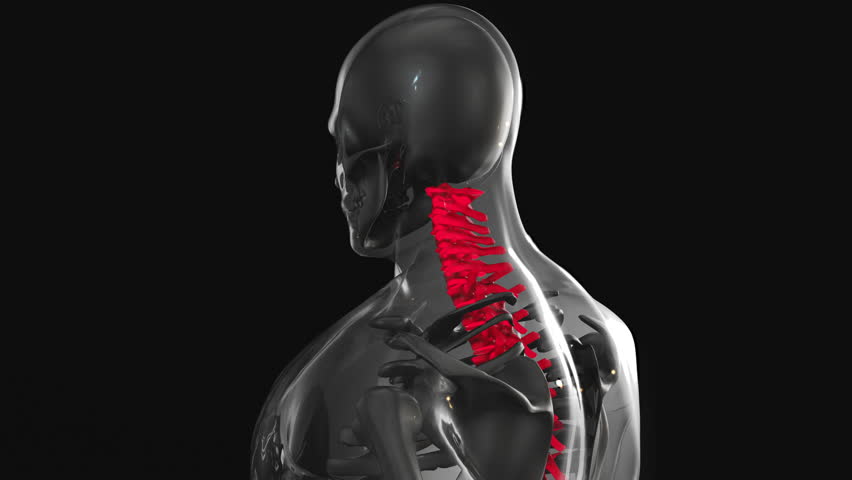
Incorrect monitor placement contributes to tech neck and eye strain. Position the top of the screen at or slightly below eye level to prevent excessive neck bending. Maintain a distance of 20-30 inches from your eyes to the screen to reduce eye fatigue. Use a monitor stand or adjustable arm to achieve optimal height and angle. Avoid tilting the screen too far back, as this can cause squinting and head tilting. If using multiple monitors, arrange them to minimize head movement. Proper positioning reduces strain on the cervical spine and promotes a relaxed, upright posture. Incorporating these adjustments into your workspace helps maintain ergonomic alignment, preventing long-term musculoskeletal issues. Regularly review your screen setup to ensure it supports comfortable, sustained work sessions.
Keyboard and Mouse Ergonomics
Typing and mouse use require careful ergonomic consideration to avoid repetitive strain. A keyboard should be positioned so your wrists remain straight, not bent upward or downward. Consider split or curved keyboards to reduce shoulder and wrist tension. Use a mouse that fits your hand comfortably, with the wrist in a neutral position. Vertical mice can help align the forearm naturally, decreasing strain on the wrist and elbow. Place the keyboard and mouse close to your body to avoid overreaching. Take frequent breaks to stretch and reset hand and arm positions. Wrist rests can provide support but should not be used continuously, as they may restrict blood flow. Prioritizing ergonomic input devices and techniques minimizes the risk of conditions like carpal tunnel syndrome. These adjustments foster a healthier, more sustainable work environment.
Posture and Movement Breaks
Static postures during prolonged desk work increase the risk of repetitive strain injuries. Incorporate regular movement breaks every 30-60 minutes to reset your body. Stand, stretch, or walk around to improve circulation and relieve muscle tension. Focus on posture: sit with your back straight, shoulders relaxed, and chin parallel to the floor. Avoid crossing your legs, as this can disrupt spinal alignment. Use a lumbar support pillow if needed to maintain the natural curve of the lower back. Simple exercises like neck rolls, shoulder shrugs, and seated twists can alleviate stiffness. Movement breaks prevent muscle fatigue and reduce the cumulative stress of repetitive tasks. Consistently prioritizing posture and motion supports long-term musculoskeletal health and productivity.
Standing Desk Alternatives
Standing desks offer a valuable alternative to traditional seated workstations, reducing the risks of prolonged sitting. However, proper use is critical to avoid new strain patterns. Alternate between sitting and standing every 30-60 minutes, ensuring the desk height allows your elbows to bend at 90 degrees when typing. Use an anti-fatigue mat to cushion your feet and promote subtle movement. Maintain an upright posture with relaxed shoulders and a slight bend in the knees. Avoid locking your knees or leaning forward, as these habits strain the lower back. Some workers benefit from adjustable desks that transition between sitting and standing seamlessly. Combining standing with regular movement and ergonomic adjustments maximizes benefits while minimizing injury risk. Exploring hybrid workstations supports a dynamic, health-focused approach to desk work.
Chiropractic Care as a Preventive Measure
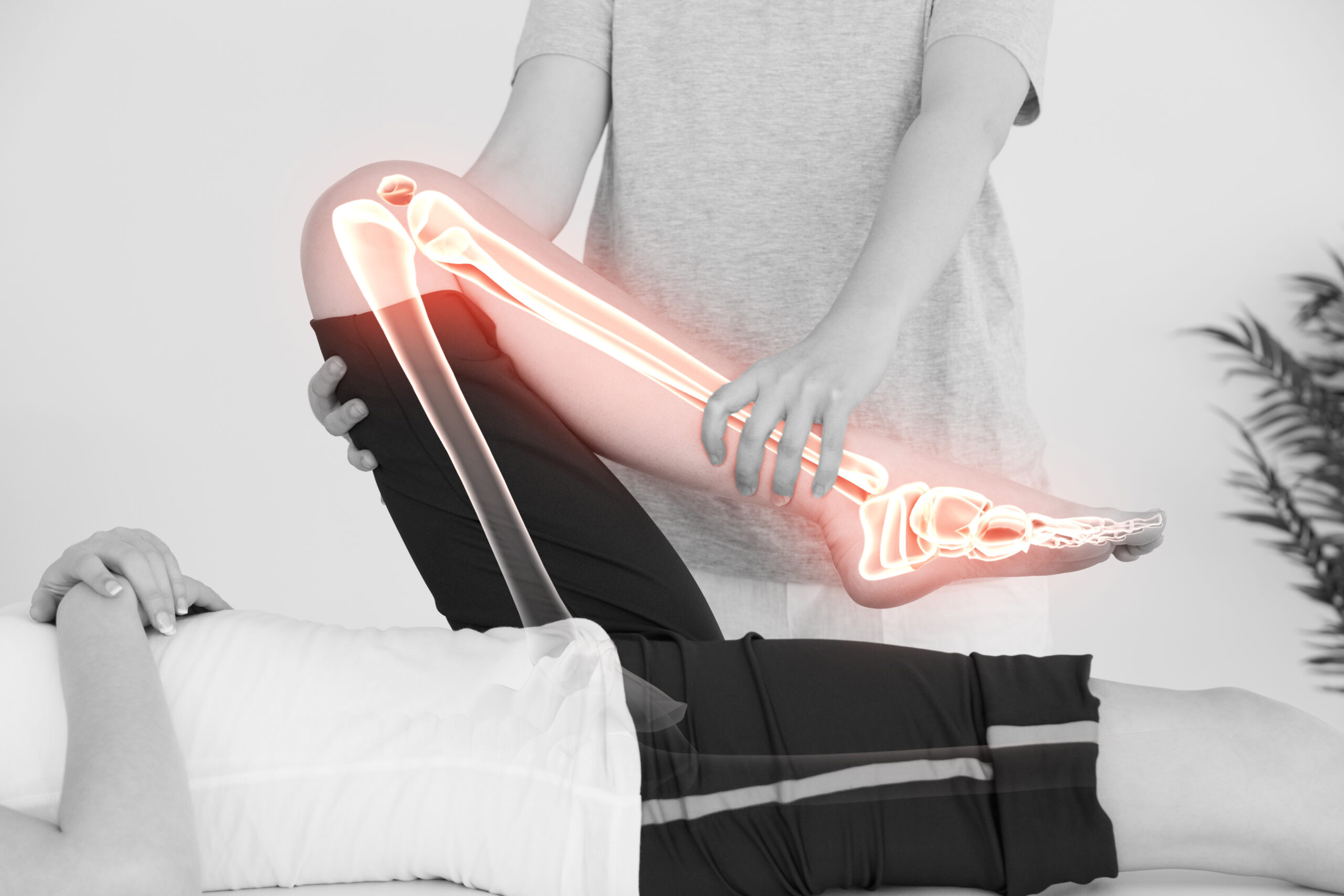
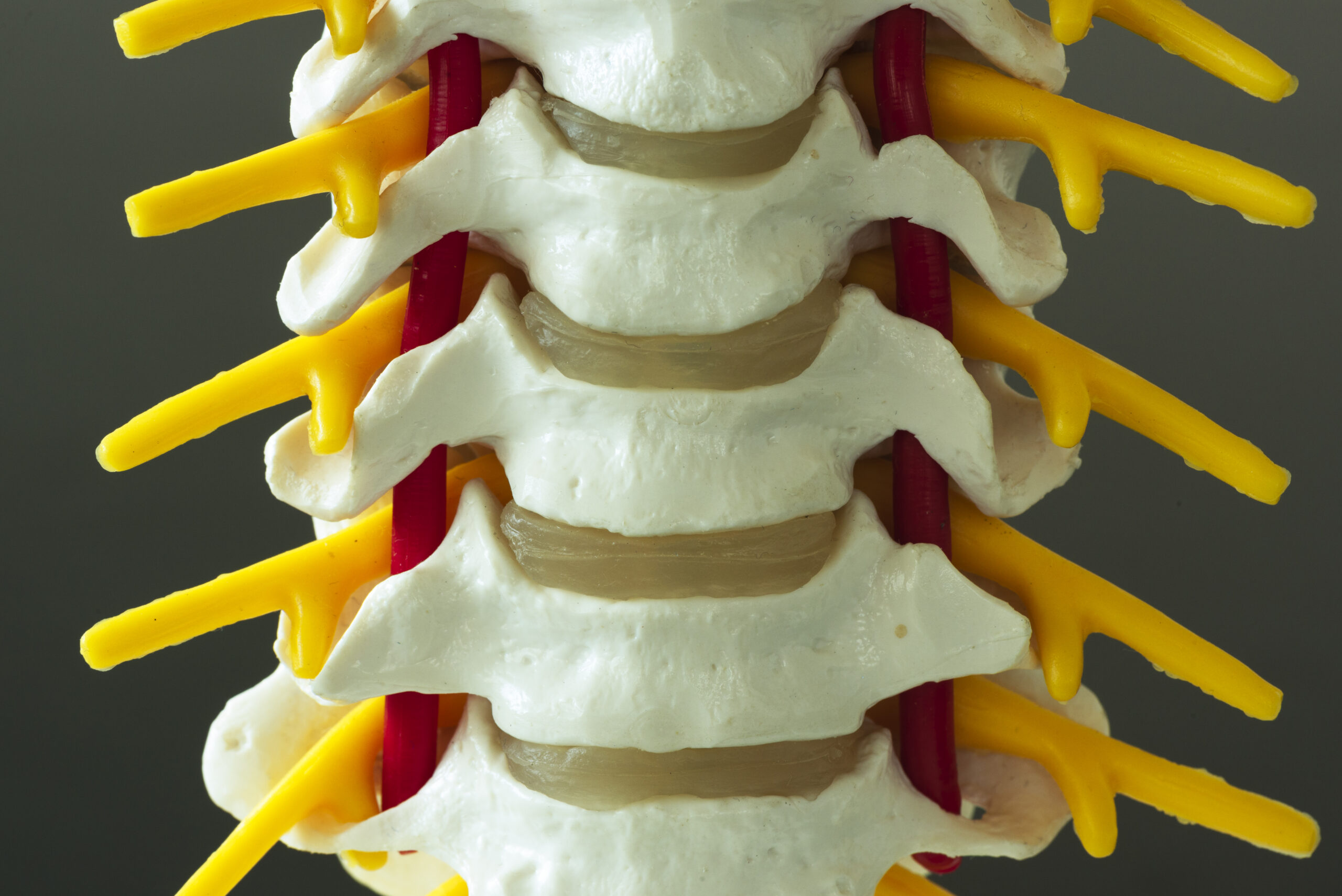
Chiropractic care plays a vital role in preventing and addressing repetitive strain injuries. Regular adjustments can correct postural imbalances and alleviate stress on the spine and joints. A chiropractor can assess your workspace ergonomics and recommend personalized modifications to reduce injury risk. They may also provide exercises to strengthen supporting muscles and improve flexibility. For existing discomfort, chiropractic treatments like soft tissue therapy or decompression can relieve tension and restore mobility. Integrating chiropractic care with ergonomic practices creates a holistic approach to musculoskeletal health. Consult a qualified provider to discuss how preventive care can complement your workplace adjustments. Proactive management of posture and movement supports long-term wellness for desk workers.