Understanding the Role of Visual Tools in Chiropractic Education
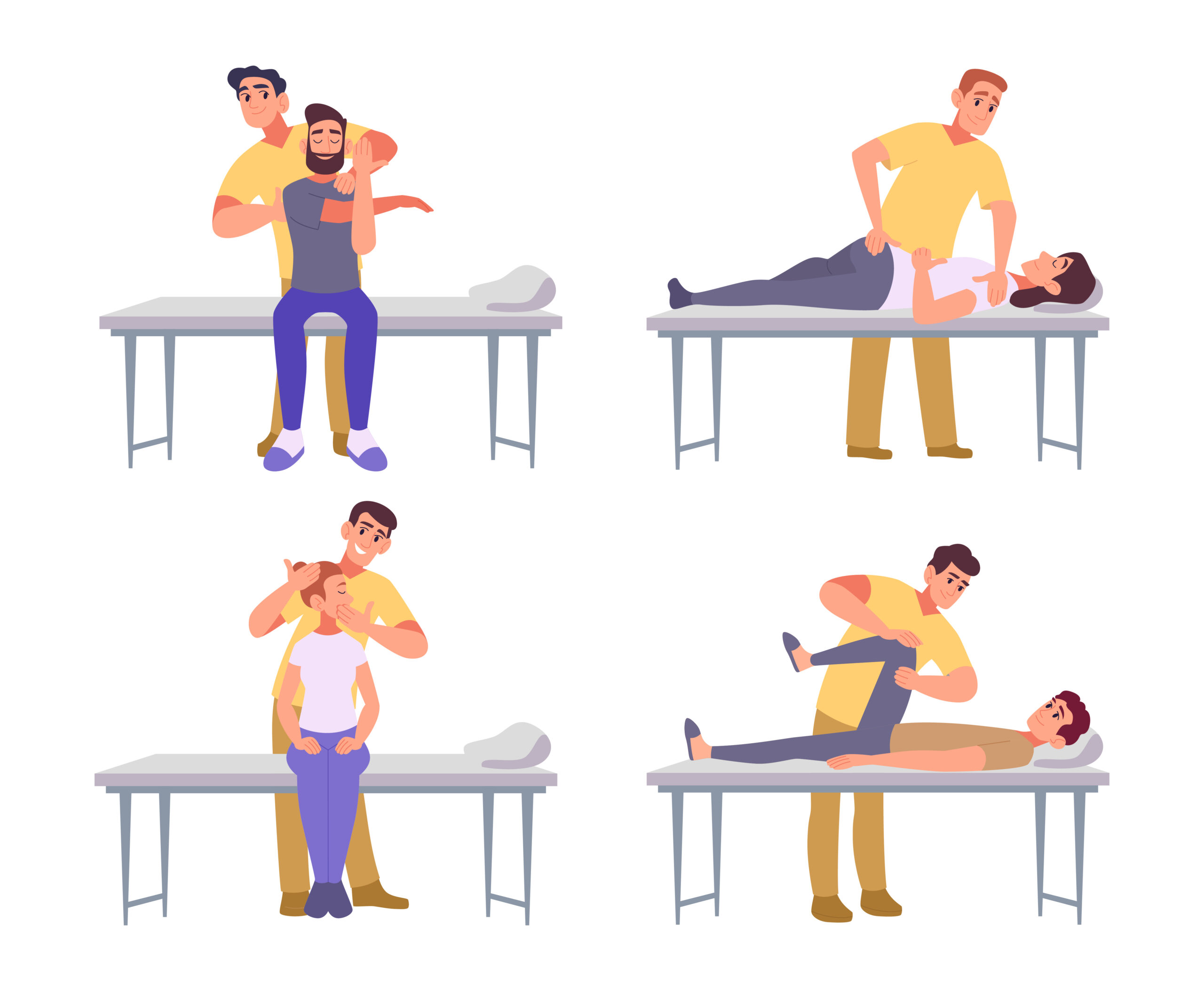
Effective educational videos require clear, engaging tools to convey complex concepts like spinal adjustments. Visual aids help learners grasp anatomical structures, movement patterns, and technique precision. For chiropractors, demonstrating adjustments accurately is critical for both patient education and professional training. Tools that simplify these demonstrations enhance understanding, ensuring viewers can visualize how adjustments influence spinal alignment and nervous system function. By leveraging the right resources, educators can create content that is both informative and accessible to a broad audience. The goal is to balance technical accuracy with clarity, avoiding overly technical jargon while maintaining scientific integrity. This foundation sets the stage for exploring specific tools that support effective spinal adjustment demonstrations.
3D Anatomical Models and Digital Simulations
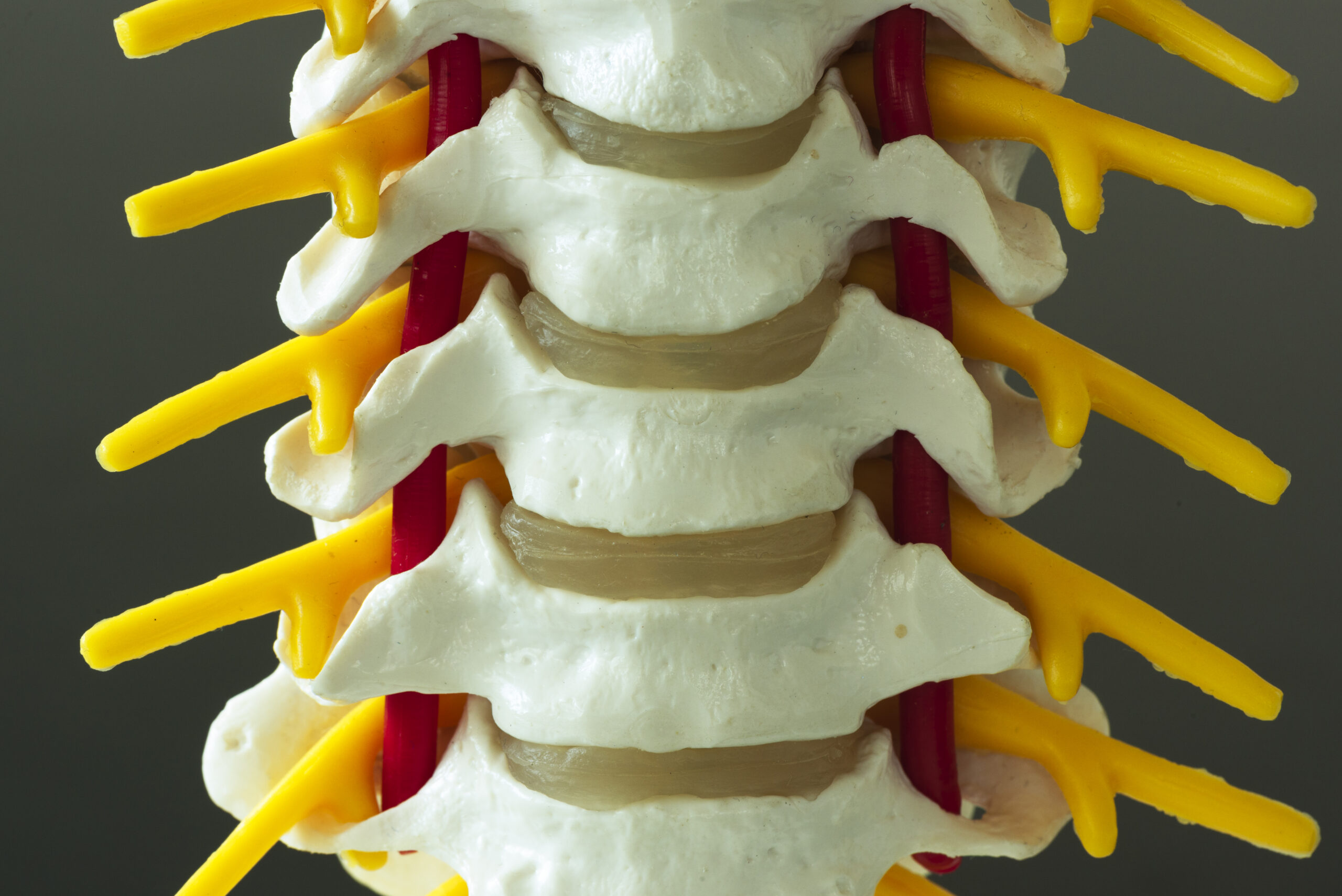
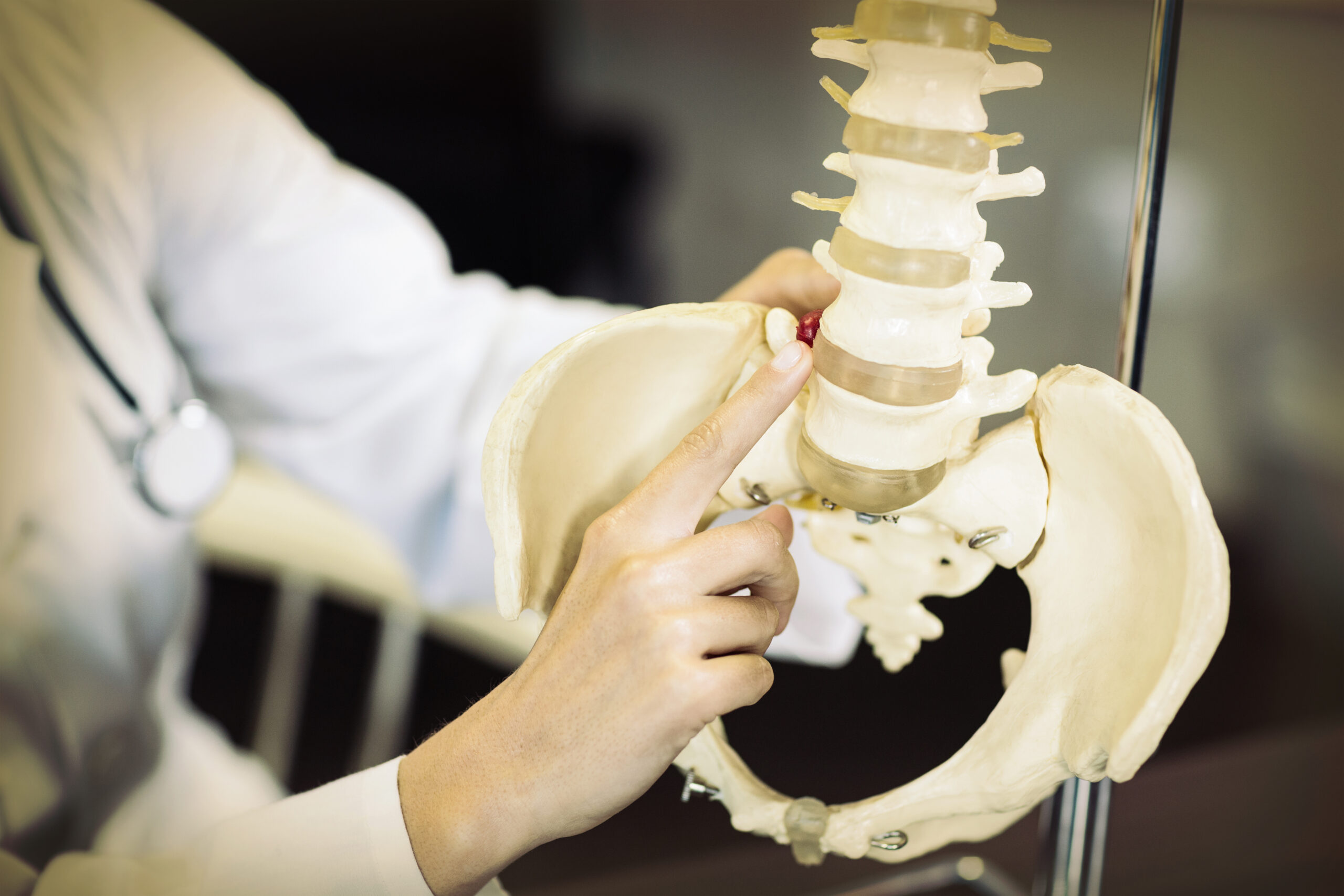
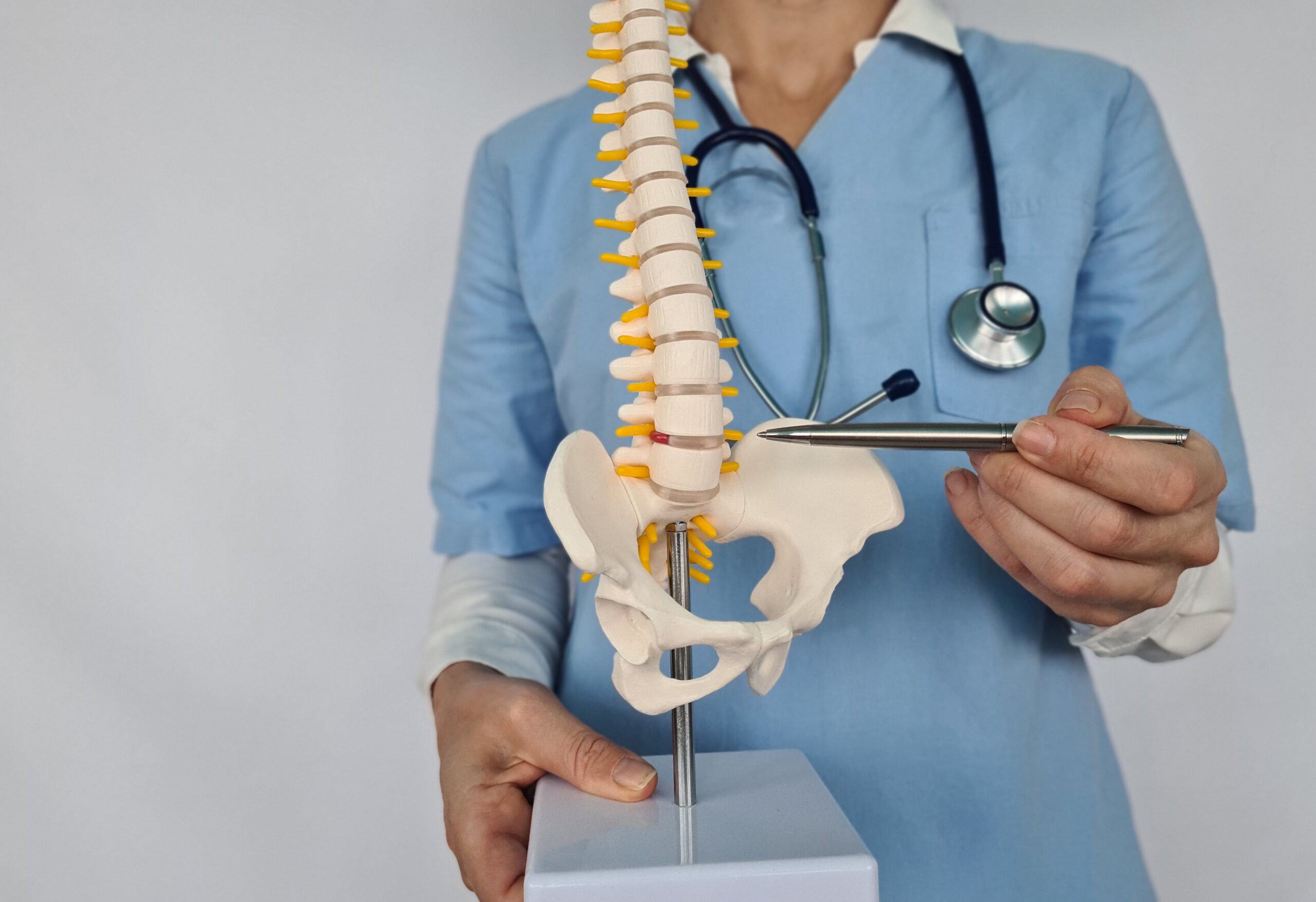
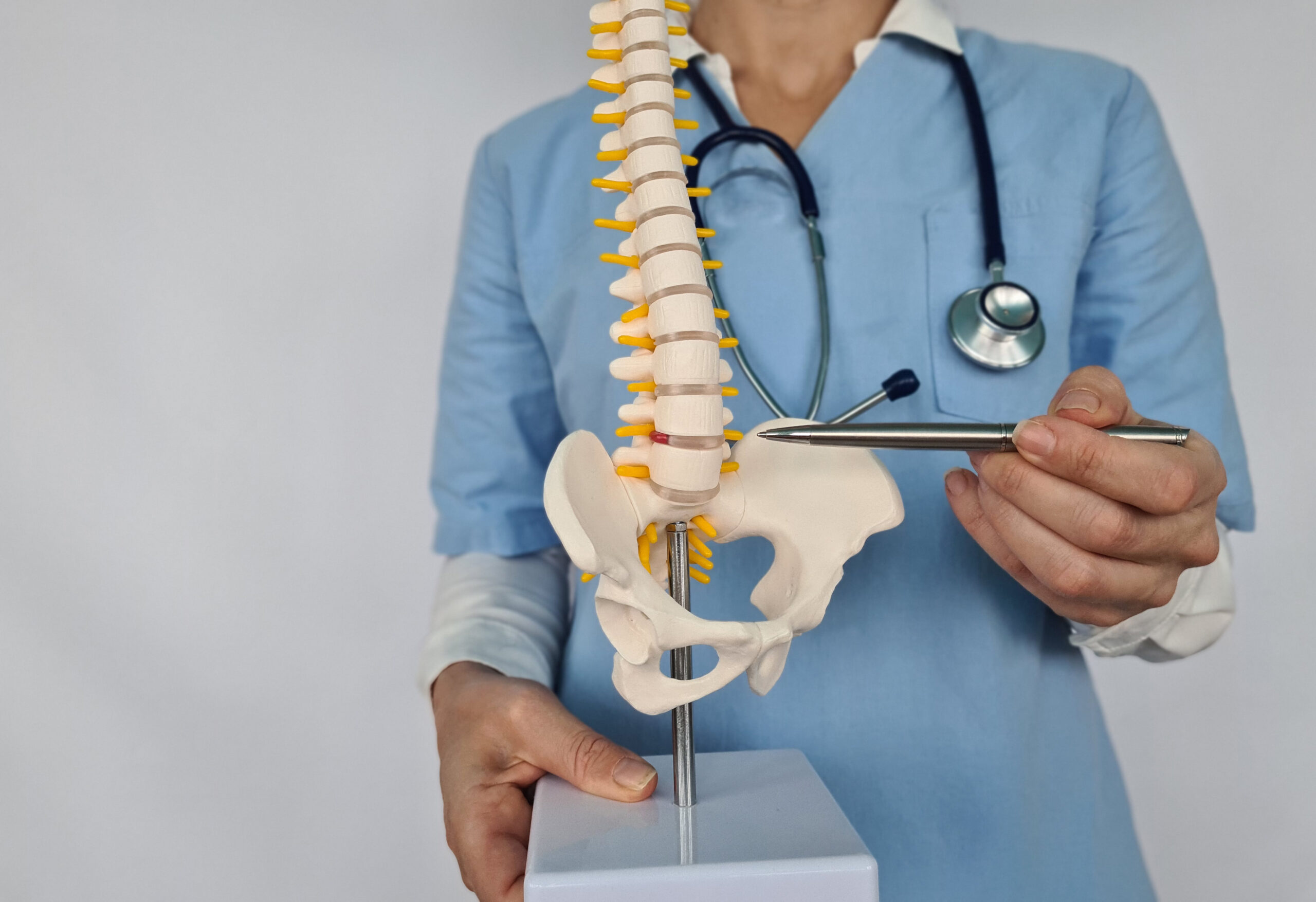
Three-dimensional anatomical models and digital simulations offer dynamic ways to illustrate spinal structures and adjustment mechanics. These tools allow educators to rotate, zoom, and dissect virtual spines, highlighting vertebrae, discs, and nerve pathways. Digital platforms often include interactive elements, enabling learners to explore how misalignments affect posture and function. For example, software like 3D anatomy apps or virtual dissection tools can demonstrate the biomechanics of a spinal adjustment in real time. Such resources are invaluable for breaking down complex processes into digestible visual segments. They also provide consistency, ensuring that demonstrations remain accurate and standardized. By integrating these models into videos, educators can cater to visual learners and reinforce key concepts through repetition and variation.
Video Annotation and Layered Visualization Tools
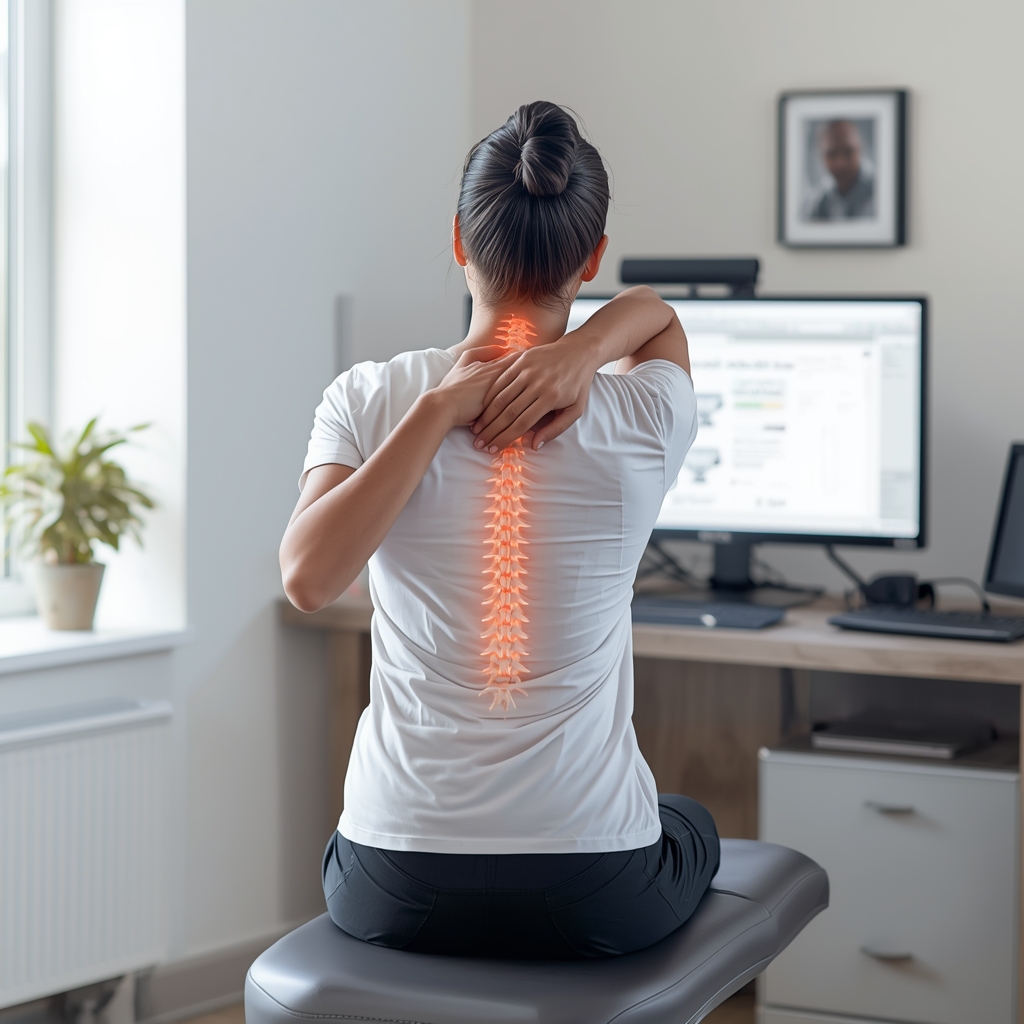
Video annotation software and layered visualization tools enhance the clarity of spinal adjustment demonstrations by adding context through text, arrows, and overlays. These tools allow educators to highlight specific areas of the spine, label joints, and illustrate movement trajectories during an adjustment. For instance, a video could show a manual adjustment while simultaneously displaying anatomical labels and force vectors. This approach helps viewers connect the physical action with its physiological impact. Some platforms also support time-lapse features, enabling viewers to see how adjustments affect muscle tension or joint positioning. By combining live-action footage with digital enhancements, educators create a multi-dimensional learning experience that reinforces understanding without overwhelming the audience.
Real-Time Feedback Devices for Precision
Real-time feedback devices, such as pressure sensors or motion tracking systems, provide objective data during spinal adjustment demonstrations. These tools can measure force applied during an adjustment, joint mobility, or muscle response, offering quantifiable insights into technique effectiveness. For example, a sensor-equipped adjustment tool might display pressure levels on a screen, helping viewers understand the precision required. Such devices are particularly useful for training professionals, as they emphasize consistency and safety. In educational videos, they can be used to compare different adjustment methods or demonstrate how subtle changes in technique affect outcomes. By incorporating real-time data, educators add a layer of scientific credibility to their content while making abstract concepts more tangible.
Augmented Reality (AR) for Immersive Learning
Augmented reality (AR) bridges the gap between physical and digital learning by overlaying digital information onto real-world scenarios. In chiropractic education, AR can project 3D spinal models onto a patient’s body during an adjustment, allowing viewers to see how the spine moves and aligns. This technology is especially effective for illustrating complex maneuvers, such as rotational adjustments or decompression techniques. AR apps can also simulate nerve pathways or muscle interactions, providing a deeper understanding of the adjustment’s impact. While AR requires specialized equipment, its ability to create immersive, interactive experiences makes it a powerful tool for educational content. As AR becomes more accessible, it offers new ways to engage learners and clarify intricate chiropractic procedures.
Case Studies and Patient Testimonials as Educational Resources
Incorporating case studies and patient testimonials into educational videos adds a human element to spinal adjustment demonstrations. Real-life examples help viewers connect theoretical concepts with practical outcomes, showing how adjustments improve mobility, reduce pain, or enhance overall well-being. These narratives can be paired with visual aids, such as before-and-after scans or movement analyses, to illustrate progress. For instance, a video might follow a patient’s journey from misalignment to recovery, highlighting specific adjustments along the way. While not technical tools per se, testimonials and case studies enrich educational content by emphasizing the relevance and effectiveness of chiropractic care. They also build trust, making complex procedures more relatable to a general audience.