Understanding Tech Neck and Its Causes
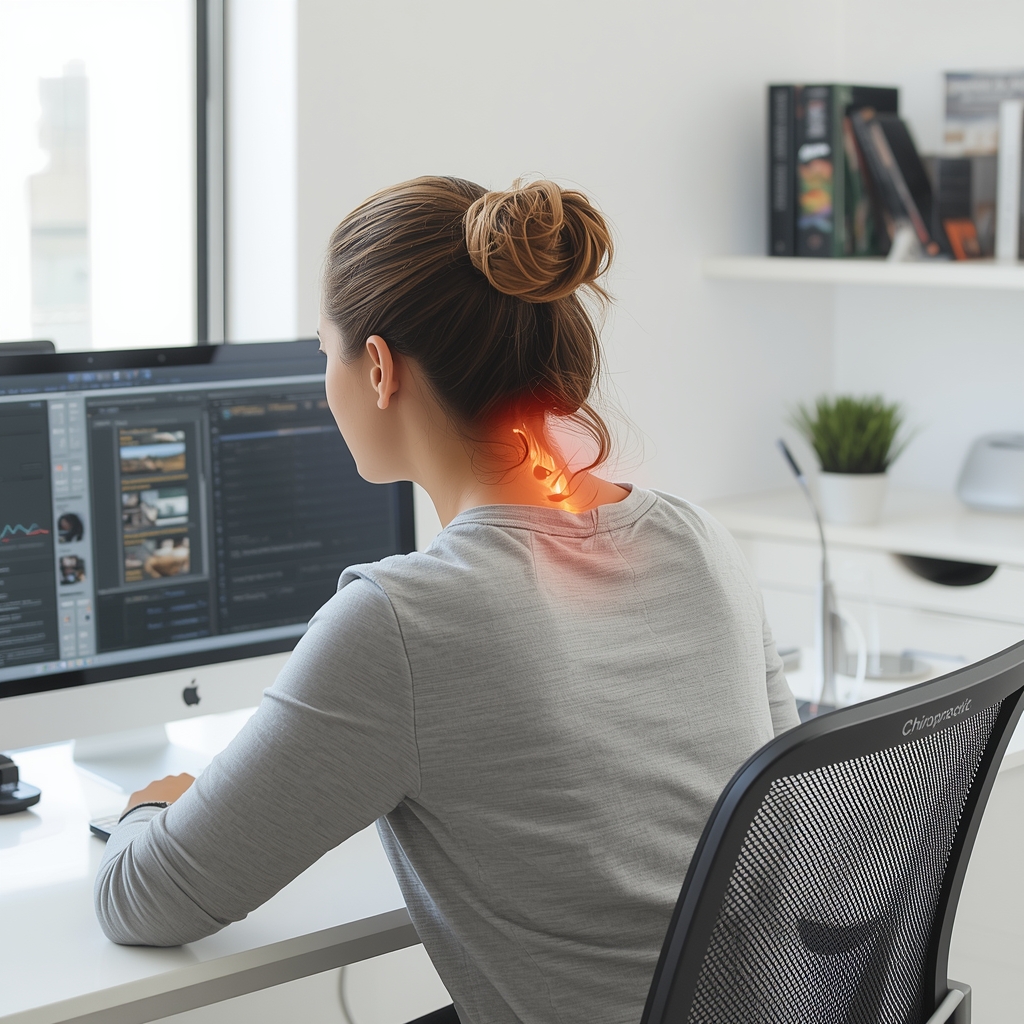
Tech neck refers to the strain on the cervical spine caused by prolonged forward head posture while using digital devices. Remote workers often experience this due to frequent device switching, poor monitor placement, or inadequate seating. The head’s weight increases the load on the neck when tilted forward, leading to muscle tension, reduced range of motion, and potential long-term postural imbalances. Chiropractors emphasize proactive ergonomic adjustments to mitigate this risk, as repetitive strain without proper alignment can contribute to chronic pain and nerve compression. Addressing tech neck early through environmental modifications is key to preventing cumulative damage.
Optimizing Monitor and Device Placement
Adjusting screen height is critical to maintaining a neutral spine. The top of the monitor should align with the user’s eye level to prevent tilting the head downward. For dual-monitor setups, ensure both screens are equidistant and angled to reduce neck rotation. Laptops can be elevated using stands to match eye level, while tablets and phones should be held at arm’s length to avoid craning the neck. Chiropractors often recommend using a separate keyboard and mouse to keep the arms at a 90-degree angle, reducing shoulder and neck strain. These adjustments minimize the need for constant head and neck movement, promoting better posture during extended device use.
Supporting Proper Seating and Posture
A supportive chair with adjustable lumbar support helps maintain the natural curve of the spine. Remote workers should sit with feet flat on the floor, knees at 90 degrees, and hips slightly higher than the knees. Chiropractors advise against slouching or leaning forward, as this exacerbates tech neck. A footrest or ergonomic mat can improve circulation and reduce lower back strain. Additionally, using a headset instead of holding a phone between the shoulder and ear prevents one-sided neck tension. Regularly checking posture throughout the day and using reminders to sit upright can reinforce healthy habits.
Encouraging Movement and Breaks
Prolonged static postures increase the risk of tech neck. Chiropractors recommend the 20-20-20 rule: every 20 minutes, take a 20-second break to look 20 feet away. Short walks, stretching, or seated neck rolls can relieve muscle tightness. Dynamic movements like shoulder shrugs or chin tucks help reset posture and improve blood flow. Remote workers should also alternate between sitting and standing using a convertible desk. These micro-breaks reduce cumulative strain and encourage the body to reset, preventing the onset of chronic discomfort from repetitive device use.
Utilizing Ergonomic Accessories
Ergonomic tools like vertical mice, split keyboards, and document holders reduce strain on the wrists and shoulders, indirectly supporting neck health. A monitor stand or adjustable desk allows for personalized positioning, while a lumbar roll provides targeted lower back support. Chiropractors may suggest resistance bands for gentle stretching or posture-correcting devices that provide feedback. However, these tools should complement, not replace, proper posture habits. Consulting a chiropractor ensures recommendations align with individual needs, avoiding over-reliance on equipment that may not address underlying postural issues.
Collaborating with a Chiropractor for Personalized Guidance
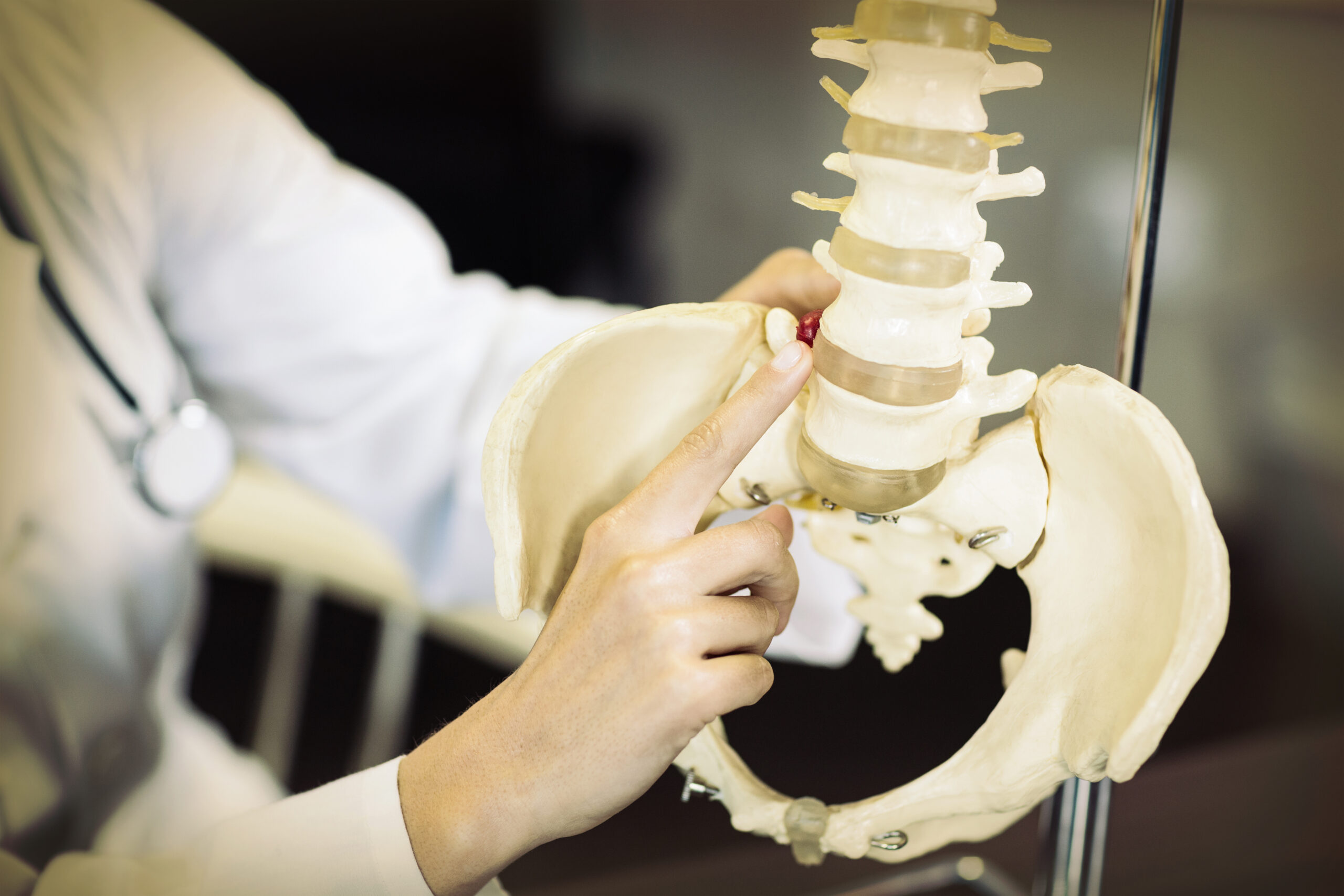
While general ergonomic principles apply, individual needs vary. Chiropractors can assess posture, identify misalignments, and recommend tailored adjustments. They may incorporate spinal adjustments, soft tissue therapy, or corrective exercises to address existing strain. Regular check-ins allow for ongoing monitoring and modifications as work habits evolve. By combining ergonomic adjustments with professional care, remote workers can reduce tech neck risks and enhance overall musculoskeletal health. Always consult a licensed chiropractor before implementing new strategies to ensure safety and effectiveness.